How to Change Prefix Separator in Sleek Bill?
Hello Sleek Bill users, welcome to the Sleek Bill Knowledge Hub. Today, we’ll learn how to change the Document number prefix format in invoices or other documents.
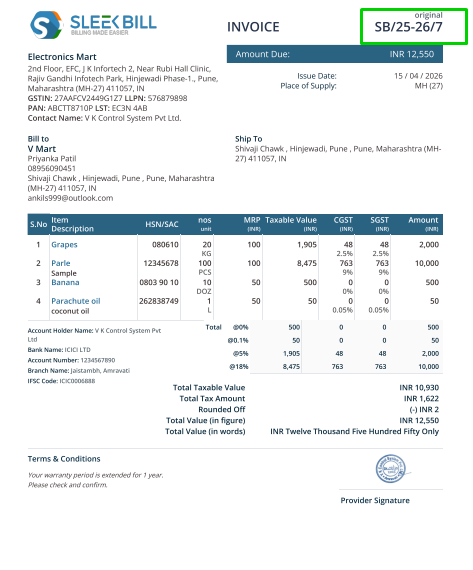
In Sleek Bill if you want to change the prefix of your document number, which is shown in the image below
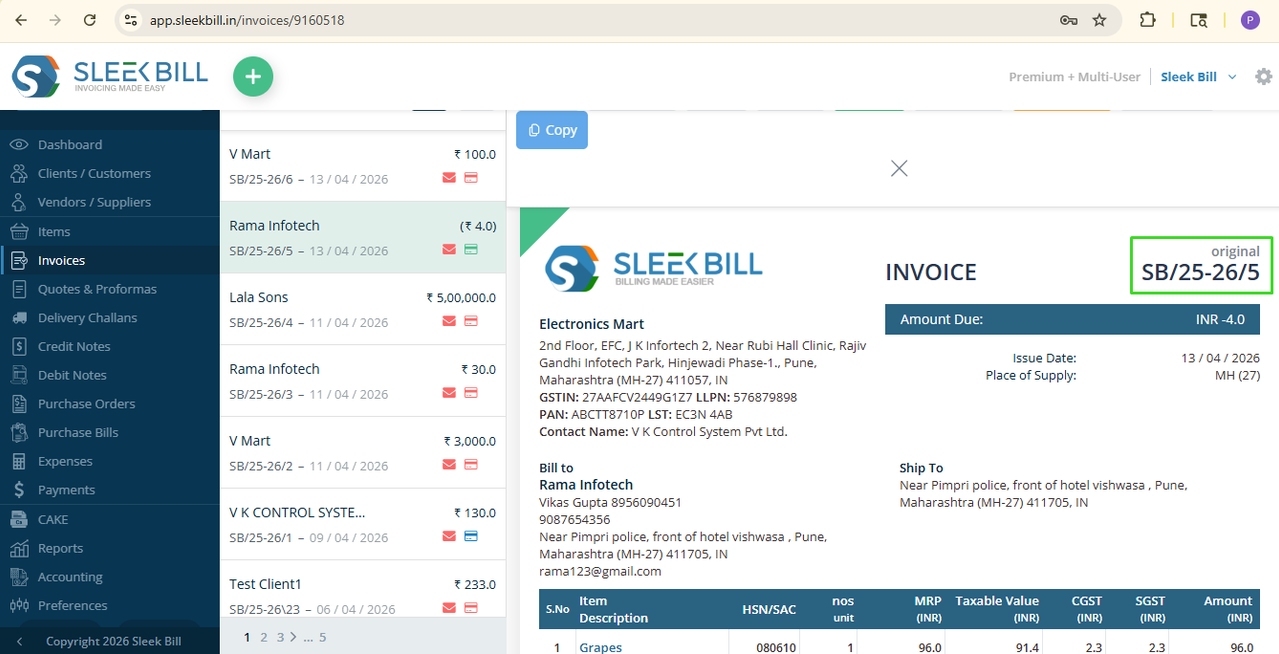
Why Use Prefixes in Documents?
- Using separators such as -, /, or _ gives your documents a standardized and polished look, reflecting a well-organized business.
- Structured numbering helps track and retrieve documents quickly, especially during audits or financial reviews.
- Businesses can categorize documents by department, financial year, or location.
- For example: INV-2025-001 – Invoice for FY 2025
Want your invoice numbers like INV-001 or INV/001, instead of plain numbers? Let’s customize it in seconds! With Sleek Bill. Changing the prefix separator in Sleek Bill is super easy.
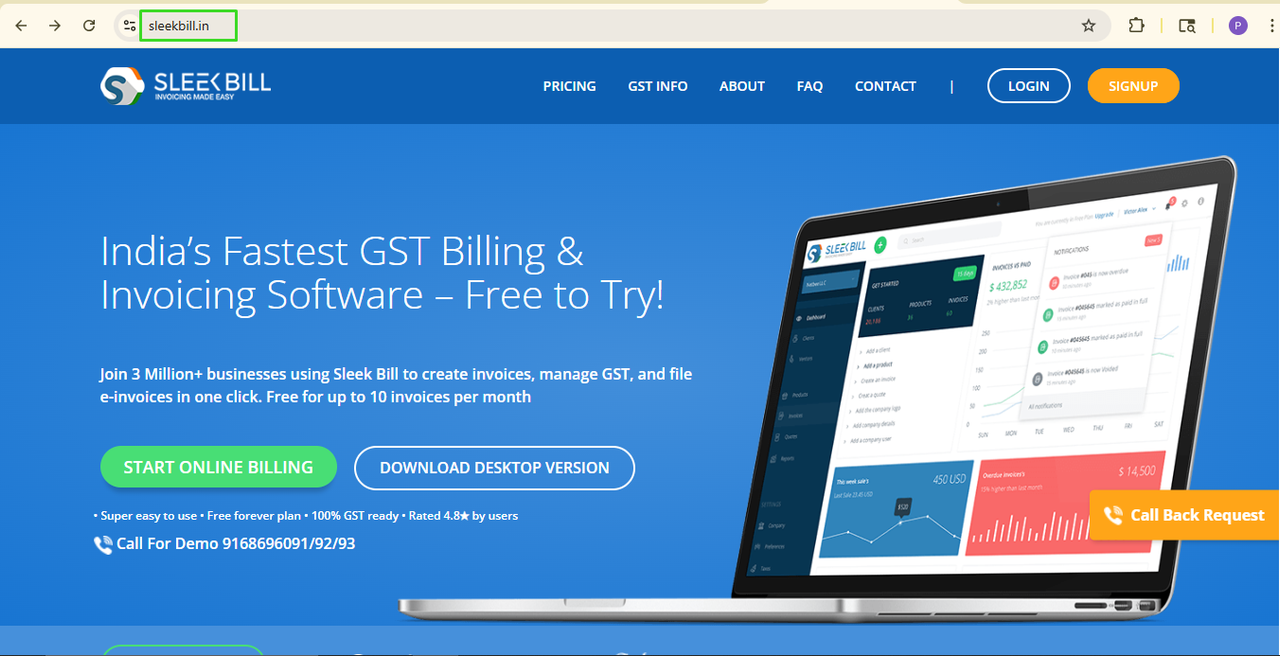
Step 1: First, go on browser and type www.sleekbill.in
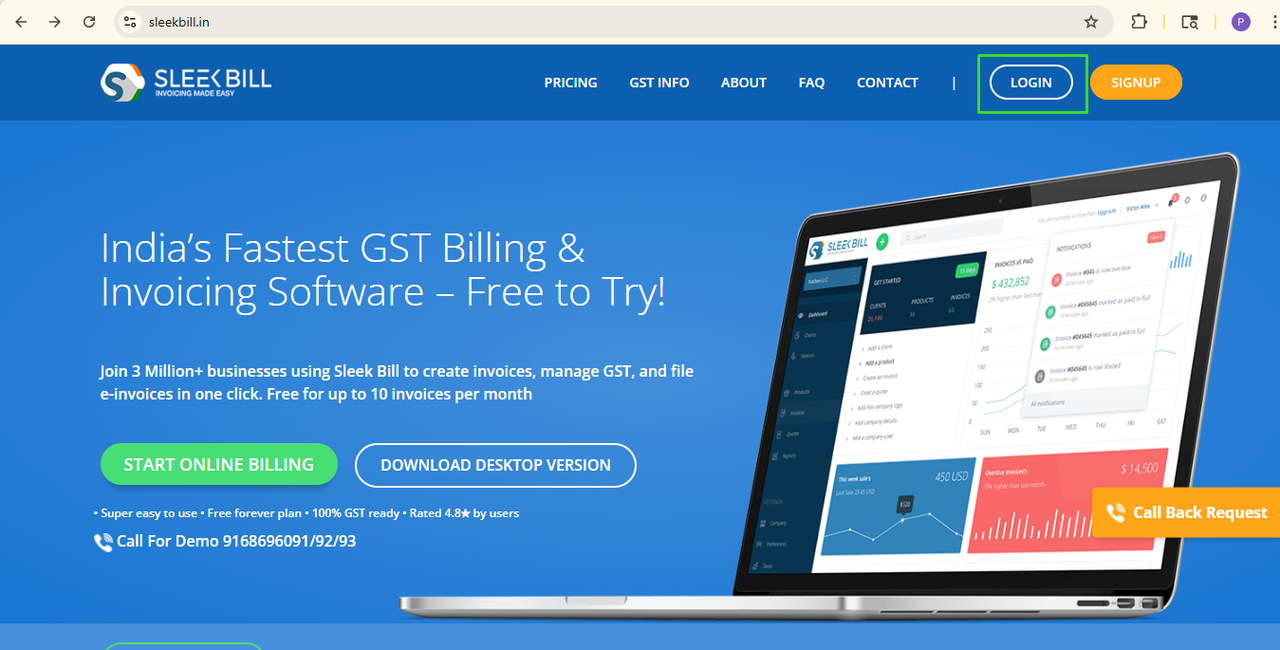 Step 3: Now the login screen appears. Enter your email and password here, then click the Sign in button.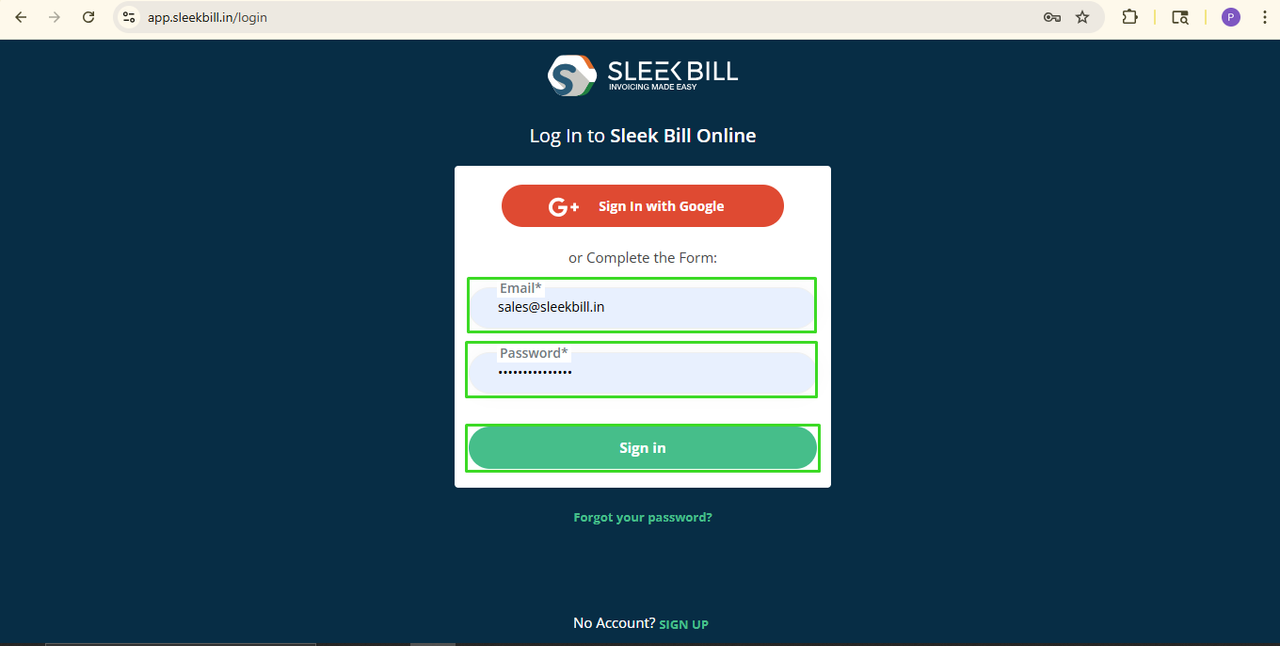
Now, scroll down and click on the Preferences tab
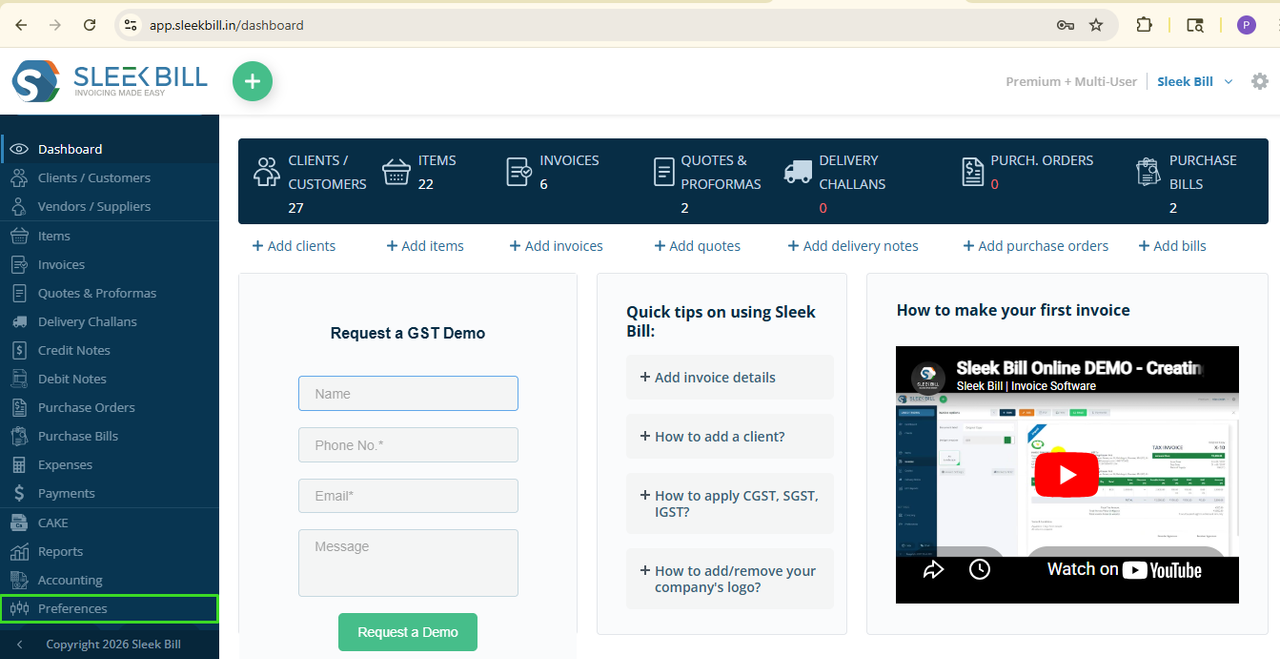 Step 5: Here, by default, the general tab is open. Here, you can see the option called Document Prefix separator.
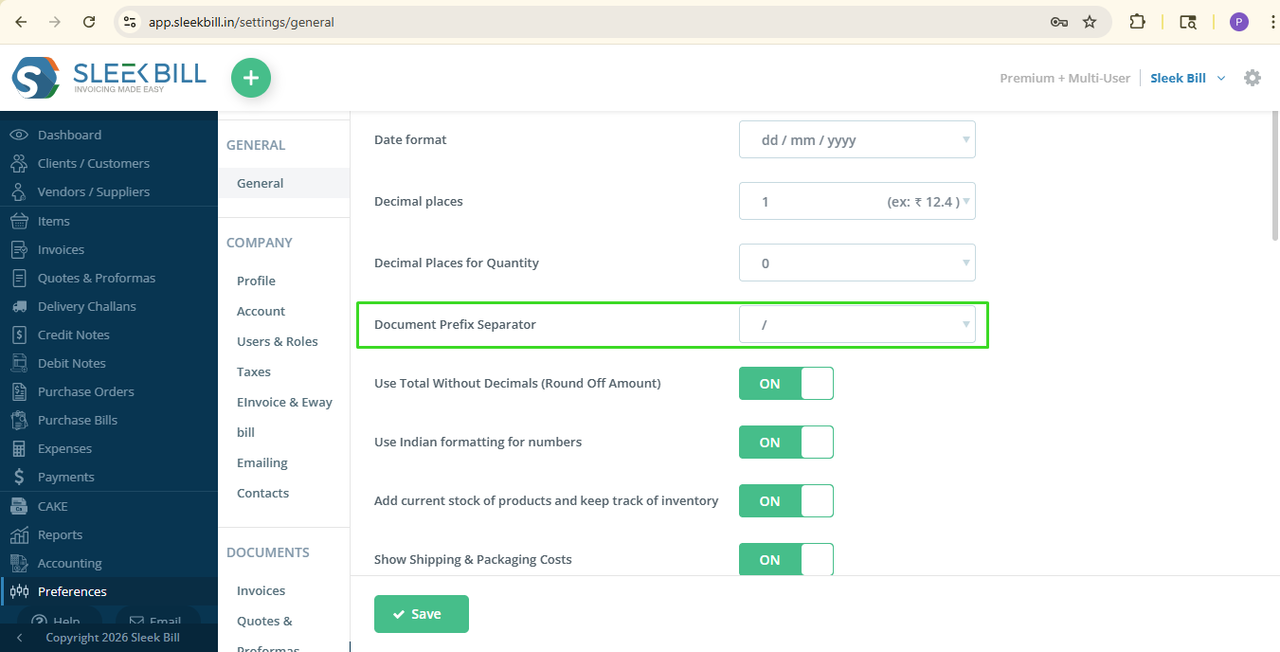 Step 6: From the side dropdown option, choose your Prefix separator, like dash, slash, backslash, space, or none, as per your format.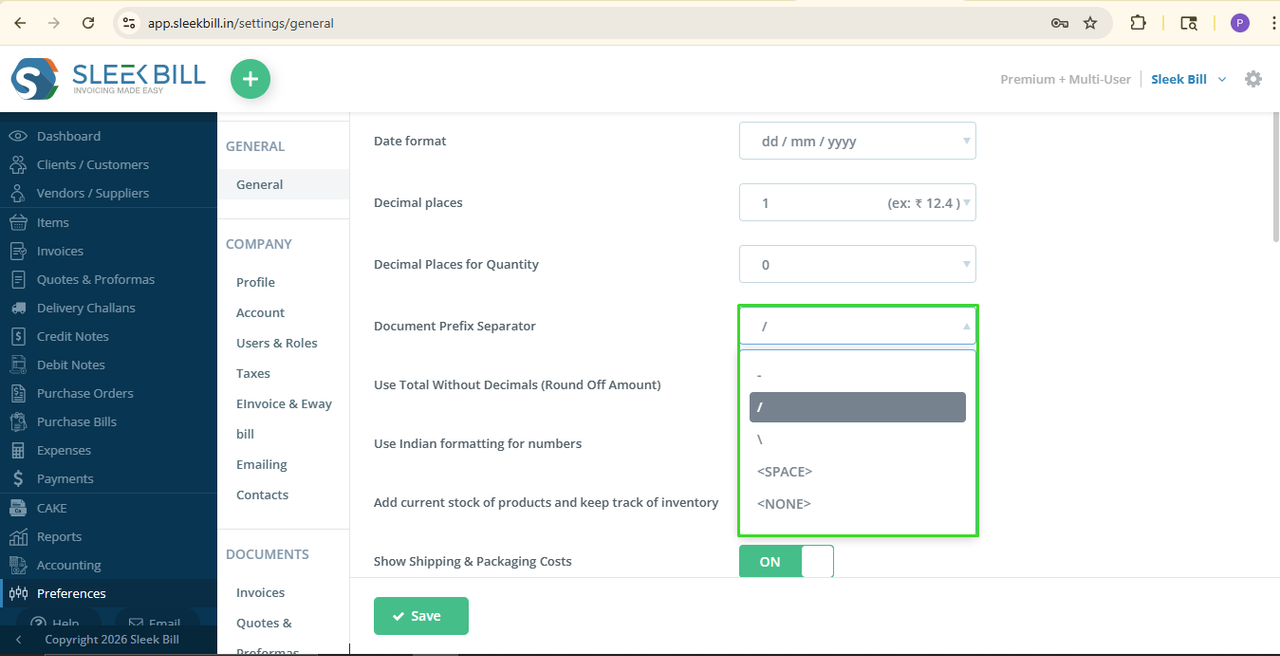
Step 7: Click on Save, and that’s it!
Next time when you create new document, your Prefix separator will display exactly the way you want in every invoice and documents. Clean and professional!
Was this article helpful?