How to Show Total Amount in Words in Purchase Order
Hello Sleek
Bill users, welcome to the Sleek Bill Knowledge Hub.
Creating a
Purchase Order is an important part of your business's Purchase management. To make your Purchase Orders look more professional and recognizable,
Sleek Bill offers a convenient option.
In this
tutorial, we will learn how to activate the “Show Total in Words” for
Purchase Orders. If the total is
displayed in words only, it is easier for the user to misinterpret the total
and he can make errors. Showing the total in words clarifies the total and will
help the buyer and supplier to verify the total easily.
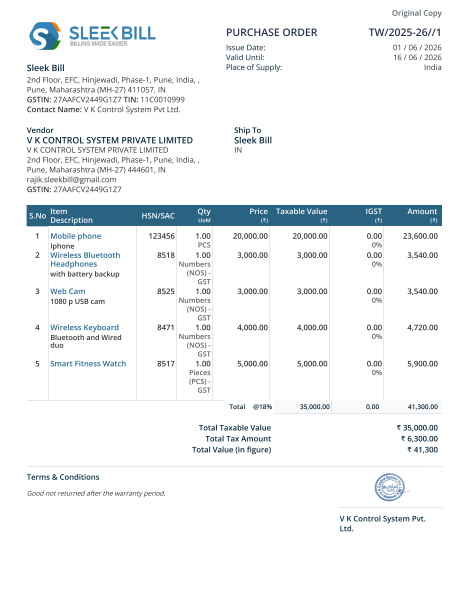
Why use” Show Total in Words” for Purchase Orders?
- Professional Documentation:
When a Purchase Order has the total in words as well as figures, it is far more presentable and professional-looking.
- Better Accuracy:
Writing the amount in words will also lessen the risk of reading figures incorrectly and lessen the probability of making errors.
- Easy Verification:
Suppliers and internal teams can determine the precise value of the order without ambiguity.
- Improved Record Keeping:
It also ensures systematic keeping of authentic documentation for approval, auditing, and future references.
How to Turn on
“Show Total in Words” for Purchase Orders in Sleek Bill?
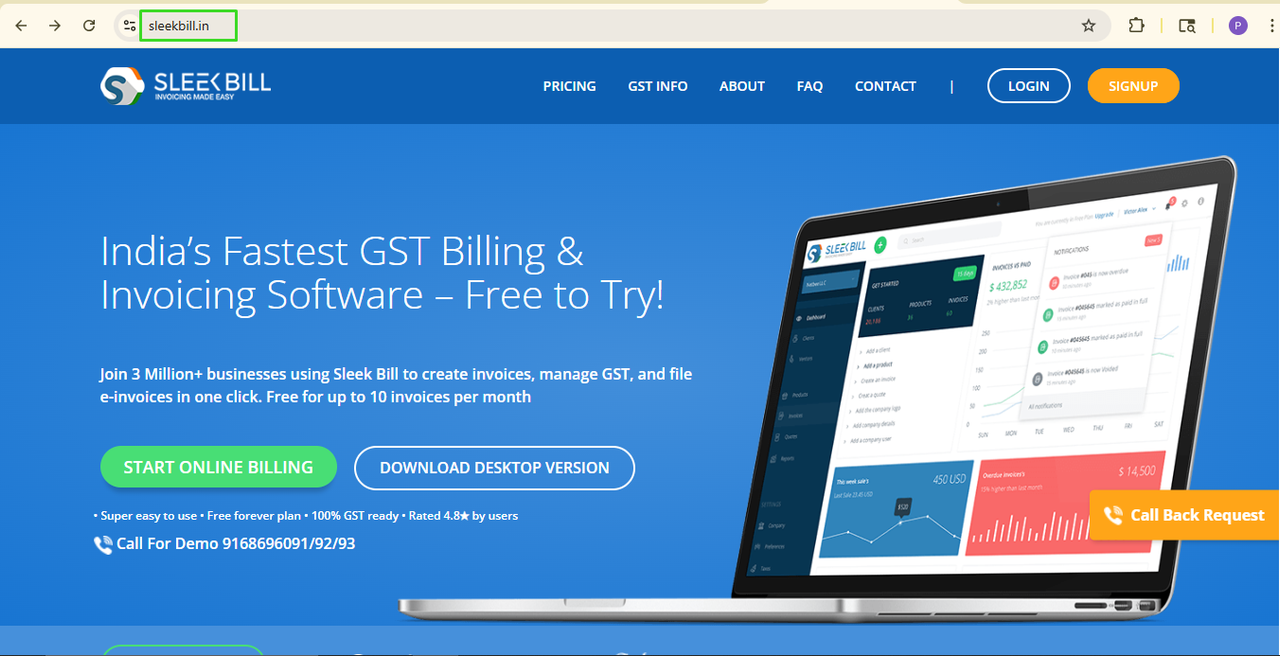
Step 1: Go
to the website of Sleek Bill www.sleekbill.in
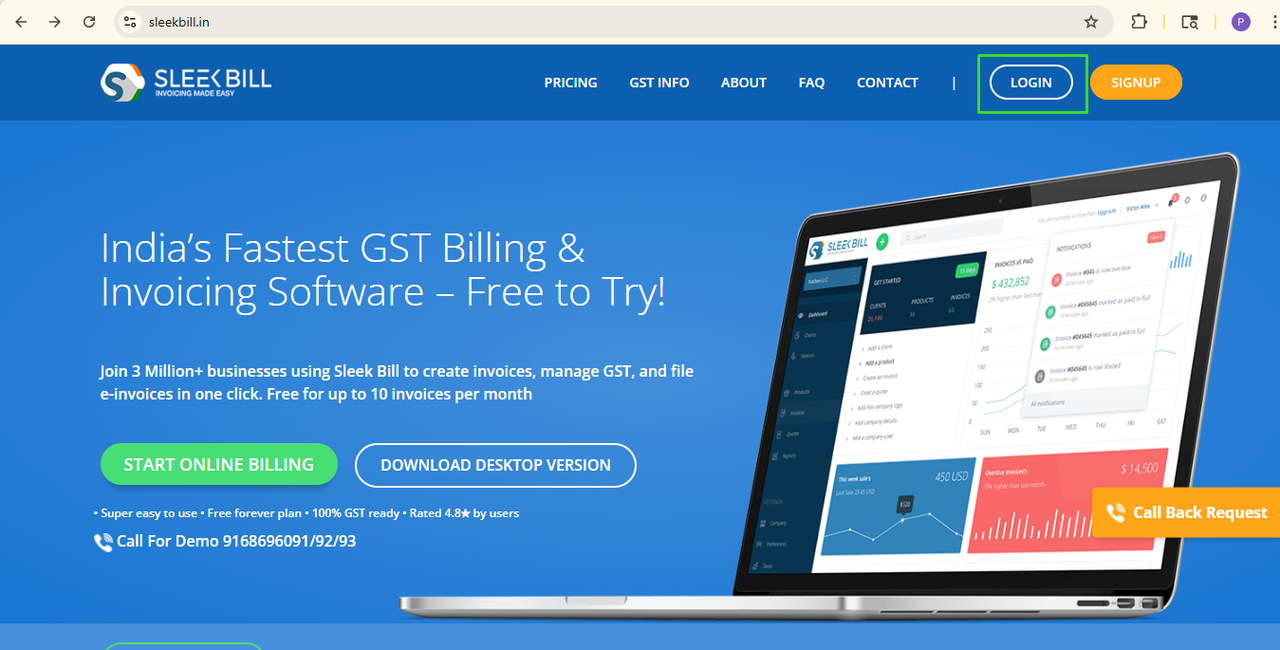
Step 2: Tap
on the Login button.
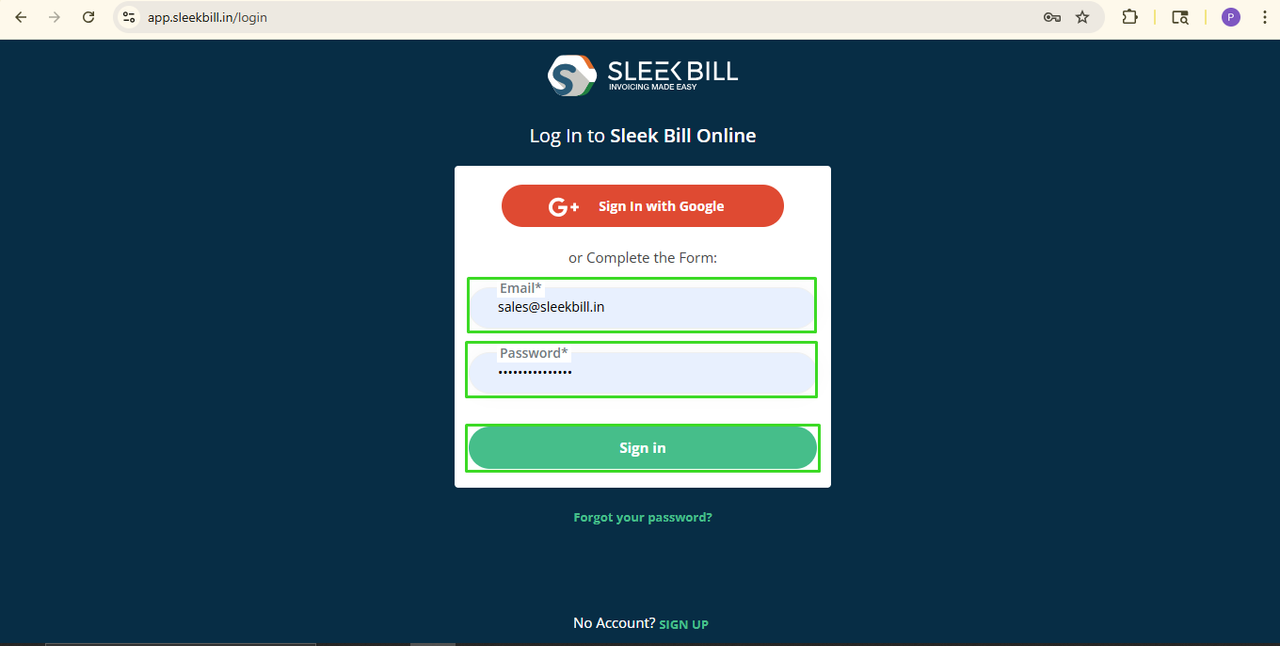
Step 3: Type in
your login and password, then click Sign In.
Step 4: When
the login is successful, it will route you to the Sleek Bill panel. Simply scroll down and choose the tab labeled Preferences.
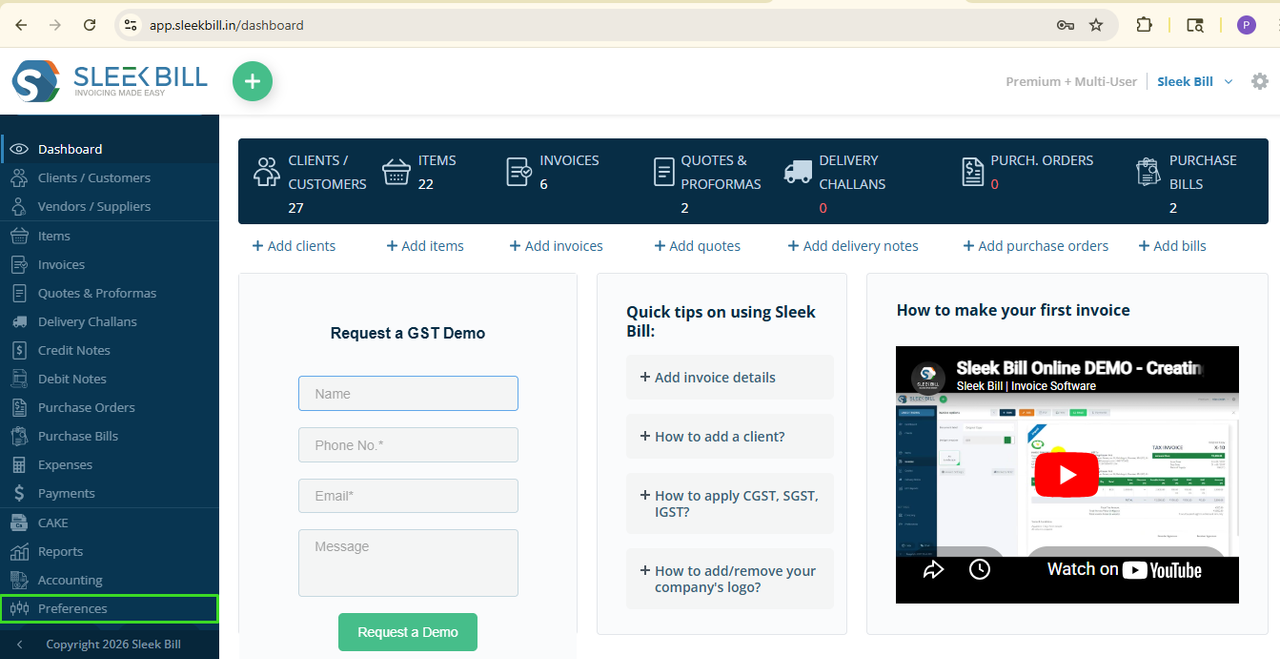
Step 5:
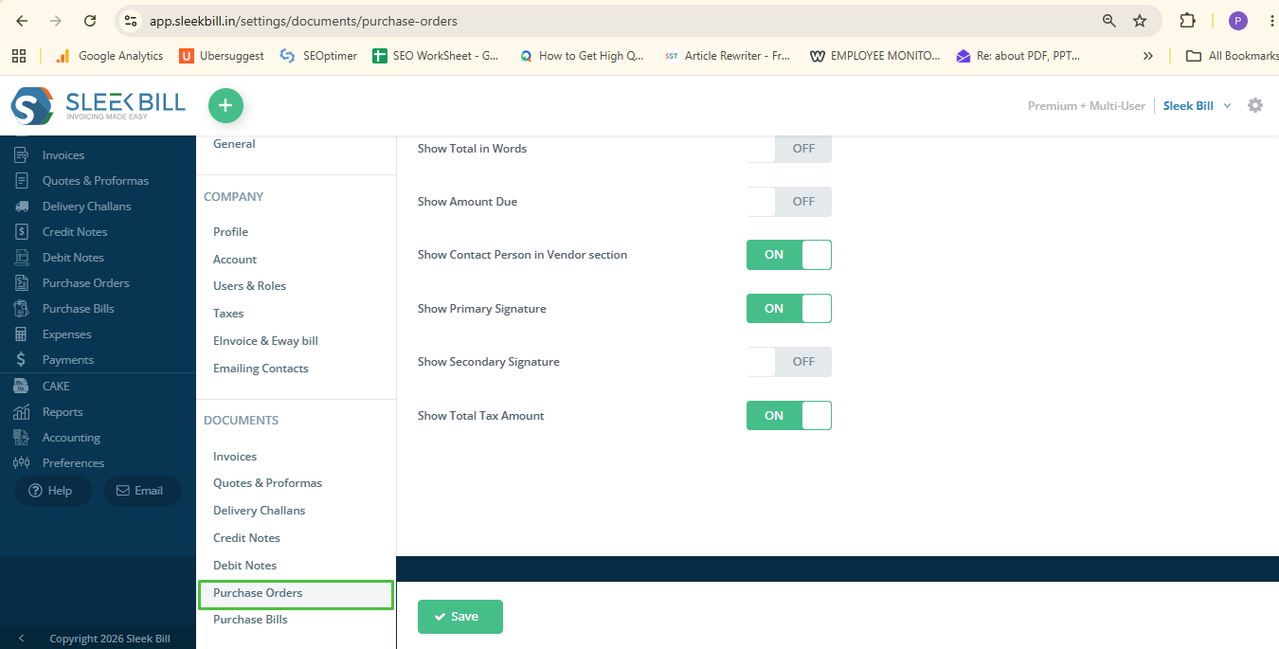
Step 6: Find the
setting named “Show Total in Words.” Toggle this setting to ON.
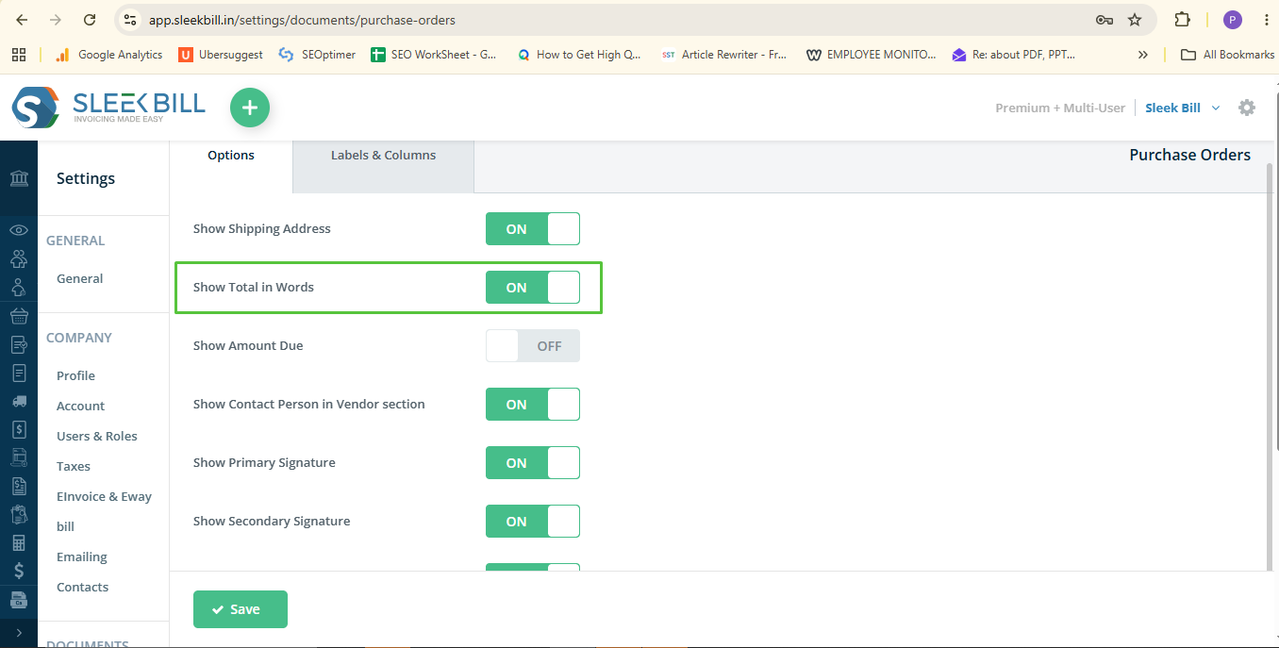
Step 7: Click on Save to operate.
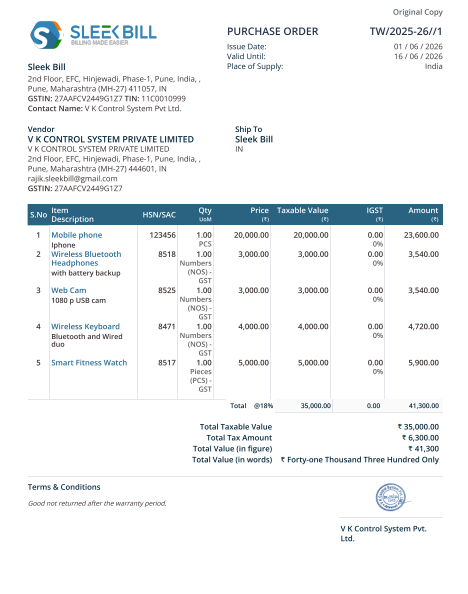
And that‘s all! In all new PO‘s and already existing PO‘s in the future the total amount will be written in words.
Conclusion
Simply
activating the “Show Total in Words” Purchase Orders is an elegant feature
that brings accuracy and professionalism to your documents. It helps in
creating professional purchase orders, avoiding misinterpretations or errors, and makes verification easier for
everyone involved. Enable it now with
Sleek Bill!
Was this article helpful?